

1/1 Furkat Street, Shaykhantakhur District, Tashkent+998 95 145 45 02
English
Association of Exporters of
Uzbekistan
Official website
Home / UzbMarket
E-commerce platform

UzbMarket — e-commerce platform

UzbMarket is a B2B platform for bringing Uzbek products to domestic and foreign markets. Manufacturers and exporters list their products, buyers search and place orders, and legal, customs, logistics, certification, accounting and hotel services are offered in the same place.

Go to uzbmarket.uz
6languages: Uzbek (Latin and Cyrillic), Russian, English, Chinese, Dari
200+catalog sections and about 1,700 reference products
3roles: buyer, seller and service provider (6 fields)
0soums: signing up and listing products is free

What does the platform offer?

Sellers list products in the catalog with photos and videos, price, minimum order and unit. Every listing appears in the public catalog after a moderator approves it.

Buyers find products, companies and services through one search, talk to sellers in chat, order products or samples and post tenders.

Service providers — lawyers, customs declarants, logistics, certification and accounting companies, hotels — post adverts and receive requests.

Roles: who they are for and what they can do

After signing up you choose a role, and each role has its own dashboard. You can pick one of three roles yourself: seller, buyer or service provider.

Seller

Manufacturers, exporters and wholesale companies

  • List products: up to 15 photos, up to 5 videos, price, minimum order, variants and sample price
  • Answer order requests with a commercial offer
  • Bid in tenders and build a commercial offer with HS (TN VED) codes as a PDF
  • Importer database, market analytics and export geography
  • Customs duty calculator, certificates and logistics sections
  • Piece-by-piece retail to Afghanistan (via the Termez warehouse)
Buyer

Importers, wholesale buyers and companies interested in Uzbek products

  • Find products, companies and services in Latin or Cyrillic script, even with typos
  • Chat with sellers (files and photos), order products and samples
  • Specify port, Incoterms and payment terms for export orders
  • Accept or reject commercial offers received
  • Post tenders and compare sellers' bids
  • Save products and post a "what I need from Uzbekistan" request

Service provider

Companies and specialists serving exports and trade

  • Choose one of 6 fields when signing up (below)
  • Post service adverts — they appear on the public board after moderation
  • Receive client requests and talk in chat
  • Market analytics and calculator sections

Service provider fields

A service provider chooses a field when signing up and can change it later.

Legal services

Cases, consultations and court case sections; legal service adverts.

Customs declarant

Declarant and broker adverts; the platform also lists the official register of customs brokers.

Logistics

A freight board of loads and trucks where shippers and carriers find each other.

Certification

Certification service adverts and client requests.

Accounting

Accounting service adverts and client requests.

Hotel

Rooms, bookings and a calendar; an agreed discount for business guests; connect your own booking system via API.

Platform administration

Moderators review companies, products, service adverts and posts and handle complaints. This role cannot be chosen at sign-up — the platform team grants it. The Termez warehouse and the courier in Afghanistan also work under separate staff roles.

Signing up, step by step

Signing up is free and takes a few minutes. The steps are the same on the website and in the app.

  1. Install the app or open the website

    Install UzbMarket from the App Store or Google Play, or press "Sign up" on uzbmarket.uz.

  2. Enter a phone number or email

    Choose your country, enter your number (or email) and accept the terms of use.

  3. Enter the confirmation code

    A 6-digit code arrives by SMS or Telegram for Uzbek numbers, by WhatsApp or Telegram for foreign numbers, and by email for email sign-ups.

  4. Set a password

    At least 8 characters — from then on you sign in with your number (or email) and password.

  5. Choose your role

    Seller, buyer or service provider. A service provider also picks a field: legal, declarant, logistics, certification, accounting or hotel.

  6. Add your company details

    Enter the company's 9-digit tax ID (STIR) in your profile — the name, address and other details are filled in from the state registry (orginfo.uz). A company that is active in the registry is approved at once; others are reviewed by a moderator.

  • Quick sign-in: with Google (web and Android), Apple ID (iPhone) or the @uzb_marketbot Telegram bot.
  • Foreign companies enter their own country's registration number instead of a STIR (BIN, INN, VAT, USCC and others). For many countries the number is checked automatically; elsewhere you upload a registration document.
  • One STIR can be linked to only one account.
  • Sellers who confirm their STIR, phone and email get bonus RAY to use in the Analytics section.

How to list a product

Products are added through a three-step form: seller dashboard → Products → "Add product".

  1. Main details

    Name (with suggestions from the catalog), category and product type, origin (made in Uzbekistan or imported), price in dollars, soums or "negotiable", the quantity the price covers, minimum order and unit (piece, kg, tonne, litre, m², container and more).

  2. Photos and video

    At least 1 and up to 15 photos (up to 50 MB each) and up to 5 videos (up to 100 MB).

  3. Extras

    Attributes, a detailed description (with an AI fill button), variants, a sample and its price, and a per-piece price for Afghanistan retail.

  4. Moderation

    A new product appears in the catalog once a moderator approves it. Changing the name, price, category or photos sends it for review again; a rejected product can be fixed and resubmitted.

  • You write the description in Uzbek and it is translated into English automatically.
  • You can also upload your catalog as a PDF, Excel or Word file.
  • Catalog structure: industries → over 200 sections → about 1,700 reference products.

How buying works

  1. Find a product through search or categories; its page has a price calculator, variants and seller details.

  2. Message the seller or fill in the order form: quantity, and for export — port, Incoterms and payment terms, for domestic delivery — the region.

  3. When you check out from the cart, each seller receives an order request and a commercial offer is created, which you accept or reject.

  4. Payment and delivery terms for B2B orders are agreed between the seller and the buyer.

All features

Smart search

Products, companies and services in one search; Latin and Cyrillic work the same and typos are tolerated.

Industry catalog

Industries, over 200 sections and about 1,700 reference products.

Chat

Messaging between buyers, sellers and service providers, file and photo sharing, push notifications.

Commercial offers

Sellers build an offer from their own products with HS (TN VED) codes and send it as a PDF.

Tenders

Buyers post tenders and sellers submit bids.

Importers

A database of foreign importers and buyers' "what I need from Uzbekistan" requests.

Market analytics

Which country imports what: UN Comtrade data and analytics by product and country.

Calculators

A customs duty calculator by HS code and a financing calculator with Asaxiy Invest.

Raya AI

An AI assistant answers questions and prepares a market report for a product and country as a PDF (Uzbek, Russian, English).

Freight board

"Loads" and "Trucks" sections: adverts from shippers and carriers.

Hotels

Bookings at partner hotels with an agreed discount for business trips.

Exhibition calendar

Trade fairs in Uzbekistan and abroad, with reminders.

UZEX fair

Offers from the Uzbek Republican Commodity Exchange fair right on the platform.

Company map

Registered companies on a map by region.

Retail to Afghanistan

Piece-by-piece orders: the seller ships to the Termez warehouse, a courier delivers in Afghanistan and the buyer collects at a pickup point.

My page

A social page for the company: posts and videos, likes, comments and followers.

Telegram bot

@uzb_marketbot — use the platform inside Telegram (Mini App) and receive sign-in codes.

6 languages

Uzbek (Latin and Cyrillic), Russian, English, Chinese and Dari.

RAY — the platform's internal balance

Paid features are paid in RAY: 1 RAY = 1,000 soums, topped up by bank card. RAY unlocks product and market analytics, broker or shipper contacts, and one-month passes to the Market, Analytics or Premium sections. Signing up, listing products, search and chat are free.

Frequently asked questions

Is signing up paid?

No. Signing up, listing products, search and chat are free. Extra features such as analytics and unlocking some contacts are paid in RAY.

When will my product appear in the catalog?

Once a moderator has reviewed and approved it. Changing the name, price, category or photos sends it for review again.

Can a foreign company sign up?

Yes. You enter your own country's registration number instead of a STIR; the confirmation code reaches a foreign number by WhatsApp or Telegram.

Can I change my role later?

Yourself within the first hour after signing up, and later through the platform administration. A service provider can change their field at any time.

How does payment work?

Orders and commercial offers are made on the platform, and payment follows the agreement between seller and buyer. The RAY balance is topped up by bank card.

Which devices does the app run on?

There are apps for iPhone (App Store) and Android (Google Play); on a computer you use the uzbmarket.uz website.

Get the UzbMarket app

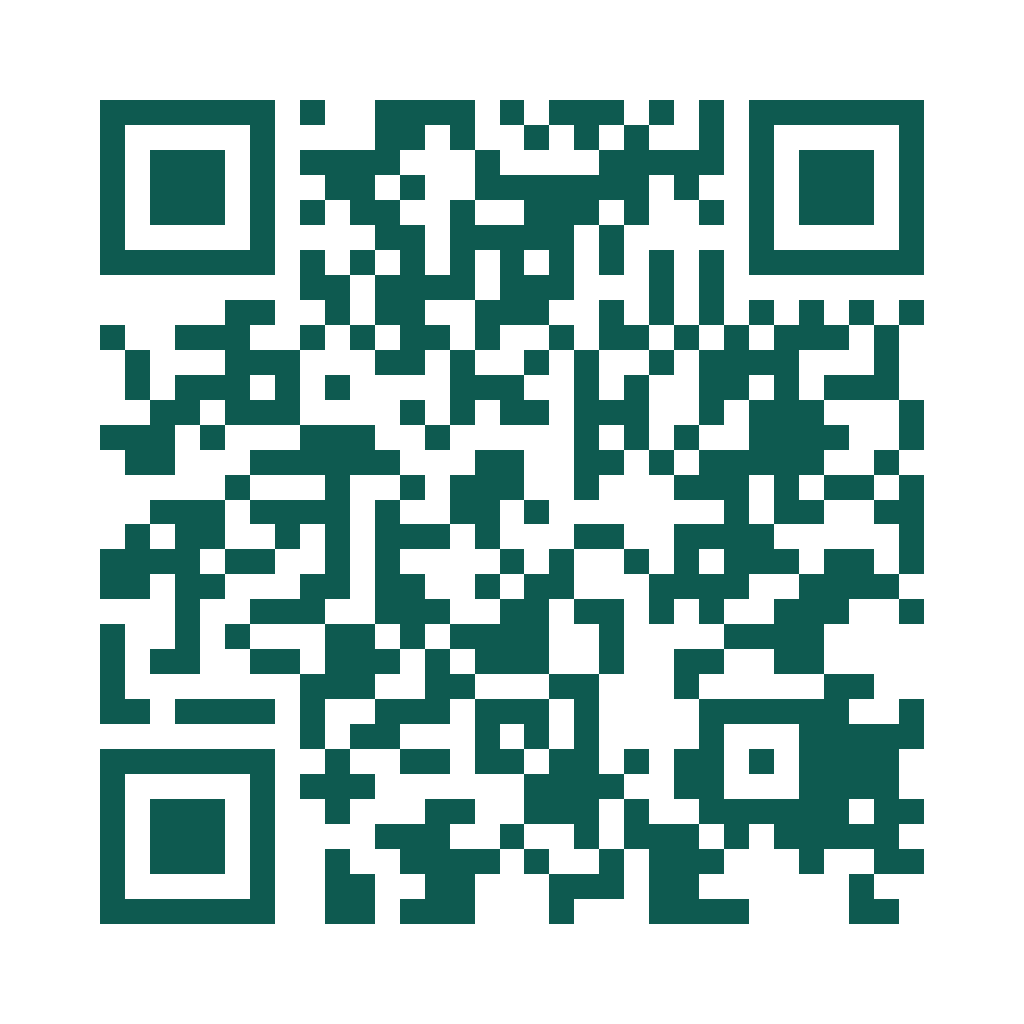
Install it on your phone or open uzbmarket.uz on a computer. Point your phone camera at the QR code to open the right app store for your device.

Go to uzbmarket.uz
QR code to download the UzbMarket app

Details reflect the current version of the platform; prices and terms on UzbMarket may change.